
Guide to Getting Started - IRS Pub. 1220 FIRE Import for 1099s
Note: The IRS is retiring the FIRE system on December 31, 2026, but you can still upload FIRE-format files to BoomTax. BoomTax converts your Pub. 1220 data to IRS IRIS XML automatically. Your upload process doesn't change. Learn more about the IRIS transition.
You can easily upload your IRS FIRE / Pub. 1220 data file using our new FIRE importer. To do this:
- Login to your BoomTax account
- Click "Start a New Filing"
- Choose your 1099 filing type
-
Select "Import from IRS FIRE File, QuickBooks Online, Xero & more..."
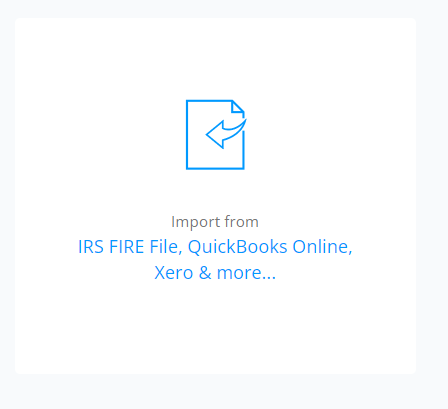
-
Select the "IRS FIRE" option.
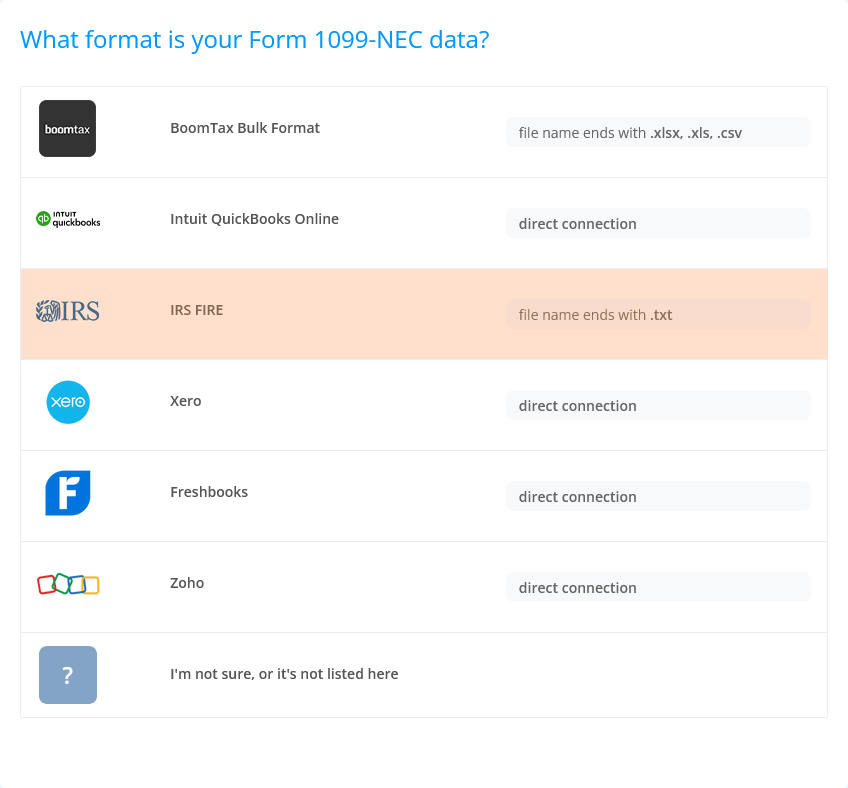
- Drag and drop your data file.
Please note: You can only upload IRS FIRE files for one form type (NEC, MISC, DIV, etc.) at a time.